Best Smartwatch for Android Under £50 in the UK
Compare Android-compatible fitness bands under £50 in the UK, with checked app support, battery claims, stock limits, privacy and water-use caveats.
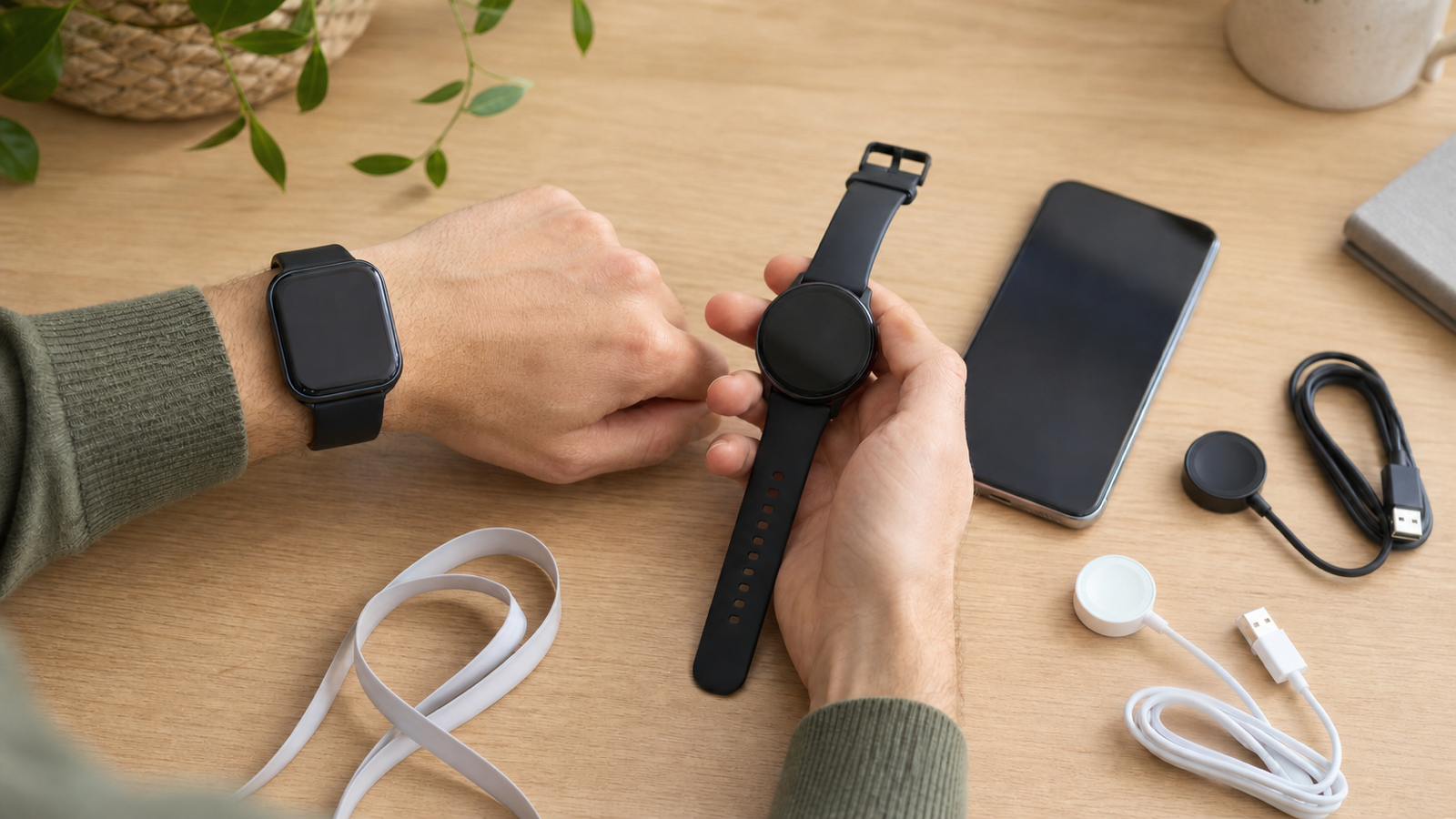
Yes, it is possible to buy an Android-compatible wearable for less than £50 in the UK. The harder part is finding one that fits your phone, notification needs and expectations without treating a temporary offer or a manufacturer’s maximum battery claim as a guarantee.
Our release check on 15 August 2026 found one strongest page-level candidate: HUAWEI Band 11 Black, SKU 80440113010009501, at £49.99. Huawei’s official server response marked it InStock and exposed allowPurchase=true and hasInv=true. That is useful evidence of orderability on the product page, but it does not prove that a basket will accept the order, that a particular postcode has delivery, or that checkout will complete. Xiaomi Smart Band 9 and HUAWEI Band 10 Pink were below £50 but out of stock; the checked Band 11 SKU 80440113010009504 was £59.99; and HONOR’s £44.99 page contained conflicting offer and back-in-stock surfaces.
The useful answer is therefore a checked candidate set and a method, not a fabricated ranking. These products are fitness bands rather than full app-platform smartwatches. They can suit someone who mainly wants phone alerts, activity information and long battery life, but they should not be mistaken for a Wear OS watch with a broad third-party app ecosystem.
Before buying: recheck the exact colour and configuration, VAT-inclusive price, stock, delivery date and seller. Prices and availability in this guide are dated observations, not permanent promises.
The shortlist at a glance
| Wearable | Exact official UK observation on 15 August 2026 | Android requirement and app | Manufacturer battery scenarios | Buying status at our check |
|---|---|---|---|---|
| Xiaomi Smart Band 9 | £34.99 | Android 8.0 or later; Mi Fitness | Up to 21 days in the maker’s typical mode, 9 days with always-on display, or 6.6 days in heavy-load use | Official UK page said out of stock; specification example only |
HUAWEI Band 10 Pink, SKU 80440113010008402 |
£49.99 | Android 9.0 or later; Huawei Health | Up to 8 days in typical use, 14 days maximum, or 3 days with always-on display | Official selected-SKU offer said out of stock; specification example only |
HUAWEI Band 11 Black, SKU 80440113010009501 |
£49.99 | Android 9.0 or later; Huawei Health | Up to 8 days in regular use, 14 days in light use, or 3 days with always-on display | Strongest candidate: official response said InStock, allowPurchase=true and hasInv=true; basket and delivery still need checking |
HUAWEI Band 11, SKU 80440113010009502 |
£49.99 | Android 9.0 or later; Huawei Health | Same Band 11 manufacturer scenarios | Official structured Offer said InStock, but the server response did not establish the selected variant name or purchase controls, so it is not ranked |
HUAWEI Band 11, SKU 80440113010009504 |
£59.99 | Android 9.0 or later; Huawei Health | Up to 8 days in regular use, 14 days in light use, or 3 days with always-on display | Exact structured Offer was over £50, so it is excluded from this budget; this evidence does not establish a variant colour name |
| HONOR Band 10 | Page displayed £44.99 | Android 9.0 or later; HONOR Health | Up to 10 days in everyday use, 14 days in extended use, or 3 days with always-on display | Excluded from the verified shortlist because price and orderability signals conflicted |
These day counts come from different manufacturer laboratory scenarios. They are not a like-for-like independent battery test. Screen activations, notification volume, workouts, sensor settings, always-on display and phone connection all affect actual use.
Which one is best for your Android phone?
Start with the companion app, not the watch face. A wearable that looks suitable can still be the wrong purchase if your phone cannot install its app conveniently or if a feature you care about is unavailable on your handset.
Choose Xiaomi Smart Band 9 only if stock returns
Xiaomi lists Android 8.0 or later and the Mi Fitness app for Smart Band 9. Its official UK price was comfortably below the budget, but the page said the product was out of stock when checked. That makes it a useful specification example, not a currently verified purchase recommendation.
Mi Fitness can request access to notifications and, depending on enabled features, nearby devices, calls, SMS, calendar, activity and location. Review the current Mi Fitness Google Play listing and its Data safety declaration before deciding whether the requested permissions fit how you intend to use the band.
For the practical pairing sequence after purchase, follow the exact manufacturer’s app instructions for your model and verify every permission request on the phone you will actually use.
Consider HUAWEI Band 10 if the setup route suits you
HUAWEI Band 10 requires Android 9.0 or later. Huawei’s official UK specifications disclose separate maximum, typical and always-on-display battery scenarios, which is more useful than a single unexplained number.
The extra check is app installation. Huawei directs Android users through its own Huawei Health download and update route, and some Huawei applications on non-Huawei phones require HMS Core or AppGallery. Read Huawei’s current Huawei Health installation guidance and HMS Core guidance on the phone you plan to use. If you want every companion app to come directly from Google Play, this setup difference may matter more than a small hardware advantage.
Start with HUAWEI Band 11 Black, then verify the basket
HUAWEI’s Band 11 page documents message and call notifications plus preset replies, subject to phone, operating-system and feature limitations. Black SKU 80440113010009501 is the strongest under-£50 candidate in this check because the official response joined its exact name, £49.99 price, InStock Offer, purchase permission and inventory flag. Treat those as page signals, not proof of completed checkout: select that exact SKU, confirm the basket price, seller, delivery date and postcode availability before paying.
The same official page also exposed SKU 80440113010009502 at £49.99 and InStock, but the server-rendered response did not establish its selected variant name or purchase controls, so this guide does not rank it. SKU 80440113010009504 was £59.99 and is outside the budget; the captured evidence does not establish a colour name for that SKU. All Band 11 variants use Huawei Health and require Android 9.0 or later; confirm that the reply feature you want is supported on your phone and in the UK.
Treat HONOR Band 10 as unverified until the checkout state agrees with the page
HONOR documents Android 9.0 or later for HONOR Health, with the app available through Google Play or HONOR App Market and UK support listed at the time of our check. That can make the setup path simpler for buyers who prefer Google Play distribution.
HONOR’s official buy page displayed a £44.99 offer and Buy Now controls, but it also contained an expired embedded promotion date and a back-in-stock notification path. Do not infer current stock or price from one surface alone. Confirm the exact configuration, final seller, basket price and delivery date before treating it as available.
A six-step check before you spend £50
1. Confirm the exact phone and Android version
Find your phone’s Android version in Settings, then compare it with the product page for the exact wearable model. Android 9 support on one model does not prove that every advertised feature works on every Samsung, Pixel, Motorola or other Android phone.
Also check whether the companion app needs a manufacturer account, a separate app store or an additional service. If you manage a child’s or family member’s phone, account age rules and permission controls may also affect setup.
2. List the notifications you actually need
“Shows notifications” can mean several different things. Decide whether you need only a vibration, a readable preview, caller information, call handling or replies. Then look for those exact capabilities in the model’s support material.
If alerts go missing after setup, check:
- notification permission for the companion app;
- Android Do Not Disturb settings;
- the watch and app’s own notification filters;
- the manufacturer’s documented background-running requirements;
- Battery Saver or Adaptive Battery settings.
Google’s Pixel notification guidance notes that battery-saving settings can affect alerts, while Android’s background optimisation documentation explains how background work can be restricted according to device and app state. That does not mean battery optimisation is always the cause. Work through the model-specific support steps before resetting either device.
3. Compare battery modes, not just the largest number
A “14-day” or “21-day” headline is only meaningful alongside its test conditions. Ask which mode produced it:
- Was always-on display disabled?
- How many notifications and calls were received?
- How often did the screen wake?
- Were continuous heart-rate, sleep or blood-oxygen features enabled?
- How many workouts were recorded?
- Was the phone connection maintained throughout?
Compare regular or typical modes where possible. Do not compare one manufacturer’s light-use maximum with another manufacturer’s heavy-use result and call the larger number a winner.
Compare the disclosed battery modes without turning laboratory maxima into real-world promises: keep typical, heavy-use and always-on-display figures separate, and treat each as a manufacturer scenario rather than an independent test.
4. Read the water-use exclusions
HUAWEI and Xiaomi describe 5 ATM resistance for the cited models, but 5 ATM does not mean a watch is suitable for ordinary use 50 metres underwater. Manufacturer guidance can exclude diving, hot showers, saunas, hot springs, deep water or fast-flowing water, and resistance can diminish over time.
Check the exact model’s permitted activities before swimming. Do not treat IP67, IP68 and 5 ATM as interchangeable labels; they refer to different test frameworks and need their own usage guidance.
5. Treat health readings as wellness information
The cited Xiaomi, Huawei and HONOR consumer features come with non-medical limitations. The presence of heart-rate, blood-oxygen, sleep or stress sensors does not establish clinical accuracy, and this guide has not independently tested them.
Use their outputs as product-defined wellness information, not as a diagnosis or a reason to change treatment. Seek appropriate clinical advice for symptoms or medical decisions. The current MHRA medical-purpose flowchart distinguishes general fitness and wellbeing functions from software intended to diagnose, predict or influence treatment.
A wearable can help you notice patterns or remember activity goals, but it does not create the health benefit by itself. For context, the NHS physical activity guidance describes weekly aerobic and strengthening activity for adults; choose an approach appropriate to your circumstances.
6. Check privacy and return terms before setup
Read the current companion-app listing before granting permissions. Look for:
- what personal, fitness, location and device data may be collected;
- which permissions are optional and which enable a feature you need;
- whether cloud sync is optional;
- how to export or delete data;
- whether third-party app connections can be revoked.
Huawei publishes device-data security and privacy controls, while Google Play displays developer-provided Data safety information for Mi Fitness. These are useful disclosures, not independent proof that one app is categorically more private or secure.
For most UK distance purchases, buyers can notify the seller of cancellation within 14 days of receiving the item and then have another 14 days to return it, subject to exceptions and possible deductions. Check the current GOV.UK returns and refunds guidance. Statutory rights are separate from a manufacturer’s warranty, free-return promotion or retailer policy.
A practical decision for four common situations
You use an older Android 8 phone: Xiaomi Smart Band 9 is the only example here whose official product requirement starts at Android 8.0, but it was out of stock at our check. Do not buy an unknown marketplace listing merely to force the budget; verify the seller and exact model first.
You want preset message replies: HUAWEI Band 11 documents preset replies, and Black SKU 80440113010009501 was £49.99 with positive official page stock and purchase signals at this check. Confirm support for your exact phone and verify the basket and delivery before treating that feature as the deciding factor.
You prefer installing the companion app through Google Play: HONOR Health’s documented Google Play availability may suit you better than Huawei’s separate Android installation route. The current product page was internally inconsistent, so verify the final basket price, stock and delivery before purchase.
You mainly want battery life and basic alerts: the candidates publish multi-day battery scenarios, but the modes differ. Pick the compatible app and notification behaviour first, then compare the closest disclosed usage modes. A larger laboratory maximum is not automatically better for your routine.
After choosing a compatible device, follow the manufacturer’s current setup instructions for that exact model and companion app. This release deliberately avoids reader-facing internal links because the currently registered adjacent smartwatch pages have not yet passed a destination-identity audit; an omitted link is safer than a misleading one.
Frequently asked questions
Can I really get an Android-compatible smartwatch for under £50?
Yes. HUAWEI Band 11 Black SKU 80440113010009501 was £49.99 and carried InStock, allowPurchase=true and hasInv=true signals in Huawei’s official response on 15 August 2026. Basket acceptance, delivery and completed checkout were not tested, so verify them before paying. Xiaomi and HUAWEI Band 10 were out of stock, while HONOR’s page signals conflicted. These bands are not equivalent to a full Wear OS smartwatch.
Will any of these work with every Android phone?
No universal compatibility is established. Xiaomi Smart Band 9 lists Android 8.0 or later; the cited Huawei and HONOR models list Android 9.0 or later. The companion app, region, phone settings and individual feature requirements also matter.
Can I reply to messages from a budget band?
It depends on the exact model and phone. HUAWEI documents preset replies for Band 11, while another band may only show a notification preview. Check the manufacturer’s current feature and support pages rather than relying on a category-wide claim.
Are the heart-rate, sleep and blood-oxygen readings medical?
Not for the cited consumer products and features. Their manufacturers describe them as non-medical, and we have not independently validated their accuracy. Do not use a wearable reading to diagnose, rule out or treat a health condition.
Does 5 ATM mean I can dive to 50 metres?
No. The rating is based on controlled testing and does not translate into ordinary use at that depth. Read the exact manufacturer’s permitted-activity list and exclusions. Hot water, diving and fast-flowing water may be prohibited even when a device carries a 5 ATM rating.
Which model is the best value?
There is no evidence here for an objective winner. The best value is the lowest total-cost option that is actually orderable, supports your phone and required alerts, has an acceptable app and privacy setup, and carries return terms you understand. A cheap incompatible device is poor value.
For broader site navigation, browse the Ruziza Varia Blog index. That index currently contains mixed guide categories, so this is a navigation link rather than an endorsement of any adjacent smartwatch article.
How this guide was checked
This article preserves the historical purpose of the page but replaces unsupported ranking and hands-on claims with traceable buying checks. Ruziza Varia did not conduct a comparative laboratory or long-term wear test for this guide.
Product facts were checked against official Xiaomi Smart Band 9, HUAWEI Band 10 exact Pink SKU, HUAWEI Band 10 specifications, HUAWEI Band 11, HUAWEI UK wearable offers, HONOR Band 10, HONOR Band 10 buying and HONOR Health support pages on 15 August 2026. Four official raw responses are frozen in Evidence Artifact art_9b556f5d-5688-46b7-95e2-59cbed77e4b5; Huawei’s shared Band 11 product-group response is captured once, then exact SKUs 80440113010009501, 80440113010009502 and 80440113010009504 are each preserved in separately hashed extraction Artifacts. Manufacturer specifications describe their own products and test conditions; they do not prove independent comparative performance or completed checkout.
Prices, stock, software requirements and support policies can change. They must be checked again immediately before this article is released and whenever it is materially updated.